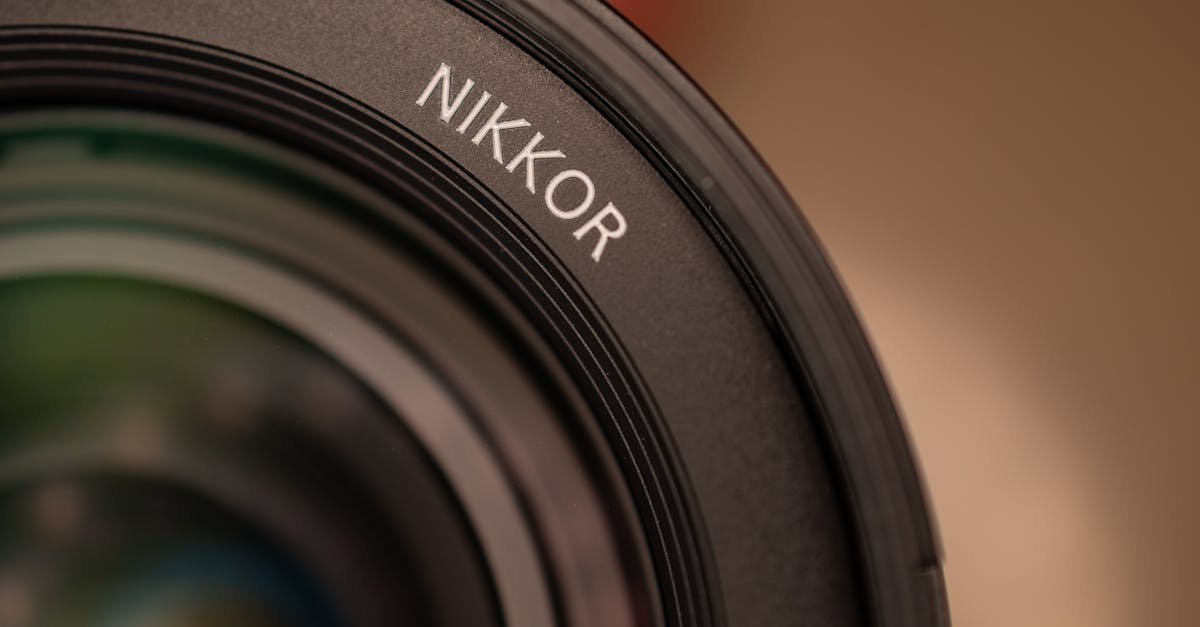
Lens filters used to be essential for every photographer. In the film and early digital era, you needed filters for effects that couldn’t be replicated in post-processing. Today, many of those effects can be applied digitally with better control and zero optical penalty.
So which filters are still worth buying?
Filters You Actually Need
Circular Polarizer (CPL)
This is the one filter that cannot be replicated in post-processing. A polarizer reduces reflections, increases color saturation in skies and foliage, and cuts through haze.
What it does:
- Darkens blue skies and makes clouds pop
- Removes reflections from water, glass, and shiny surfaces
- Increases saturation in vegetation by reducing surface reflections on leaves
- Cuts atmospheric haze in landscape photos
When to use it: Landscape photography, shooting through glass (aquariums, car windows), water scenes, anything with reflective surfaces.
Buy once, buy good. A cheap polarizer introduces color casts and reduces sharpness. Spend $50-100 on a quality CPL from B+W, Hoya, or NiSi. Match the filter size to your most-used lens, or buy for your largest lens and use step-up rings for smaller lenses.
Neutral Density (ND) Filters
ND filters reduce the amount of light entering the lens without affecting color. They’re essential for long exposure photography in bright conditions.
What they do: Allow you to use slow shutter speeds in daylight — silky waterfalls, motion-blurred clouds, and smooth ocean surfaces.
Common strengths:
- ND8 (3-stop): Extends a 1/250 exposure to 1/30. Good for slight motion blur.
- ND64 (6-stop): Extends 1/250 to about 1/4 second. Good for waterfall silk.
- ND1000 (10-stop): Extends 1/250 to about 4 seconds. Good for dramatic cloud movement and glassy water.
Variable ND filters offer adjustable density in one filter but can introduce an X-pattern at extreme settings. They’re convenient but compromise optical quality compared to fixed ND filters.
Buy if: You shoot landscapes, architecture, or video in bright light.
Filters You Probably Don’t Need
UV/Clear/Protection Filters
The most debated filter in photography. A clear filter on the front of your lens to “protect” it from scratches and dust.
The argument for: Peace of mind. A $30 filter is cheaper to replace than a $1,000 lens.
The argument against: Every piece of glass you add to your lens degrades image quality, however slightly. Flare, ghosting, and reduced contrast are all potential side effects. Modern lens coatings are durable, and lens hoods provide better impact protection than a flat filter.
My take: Skip it on high-quality lenses. Use a lens hood and a lens cap instead. If you’re shooting in genuinely hazardous conditions (sand, saltwater spray), a cheap UV filter as sacrificial protection makes sense temporarily.
Graduated ND Filters
GND filters darken part of the image (typically the top) to balance bright skies with darker foregrounds. They were essential in the film era.
Today, shooting raw and using exposure blending or a single raw file’s dynamic range usually handles this better than a physical GND. Digital graduated filters in Lightroom are more precise and don’t require you to carry and fiddle with rectangular filter holders.
Buy if: You’re a film shooter or prefer getting it right in-camera with no post-processing.
Color Filters
Warming filters, cooling filters, color correction filters — all obsolete for digital photography. White balance adjustment in post does the same thing with infinitely more precision.
Star/Cross Filters
These add pointed star effects to light sources. A gimmick that gets old after two photos.
How to Save Money on Filters
Buy one size, use step-up rings. Determine the largest filter thread among your lenses (commonly 77mm or 82mm). Buy your filters in that size. Then use inexpensive step-up adapter rings ($5-10 each) to mount the large filter on smaller lenses.
Skip filter “kits.” Those 10-piece filter sets for $30 on Amazon are universally terrible — poor glass, color casts, reduced sharpness. One good filter beats ten bad ones.
Comments (4)
Tried the first three steps and already saw improvement. Can't wait to nail the rest.
I've read dozens of articles on this and yours is the clearest by far.
Applied this to a client project yesterday and the results were solid.
Used this technique for a wedding shoot last week. Client was thrilled.
Leave a Comment