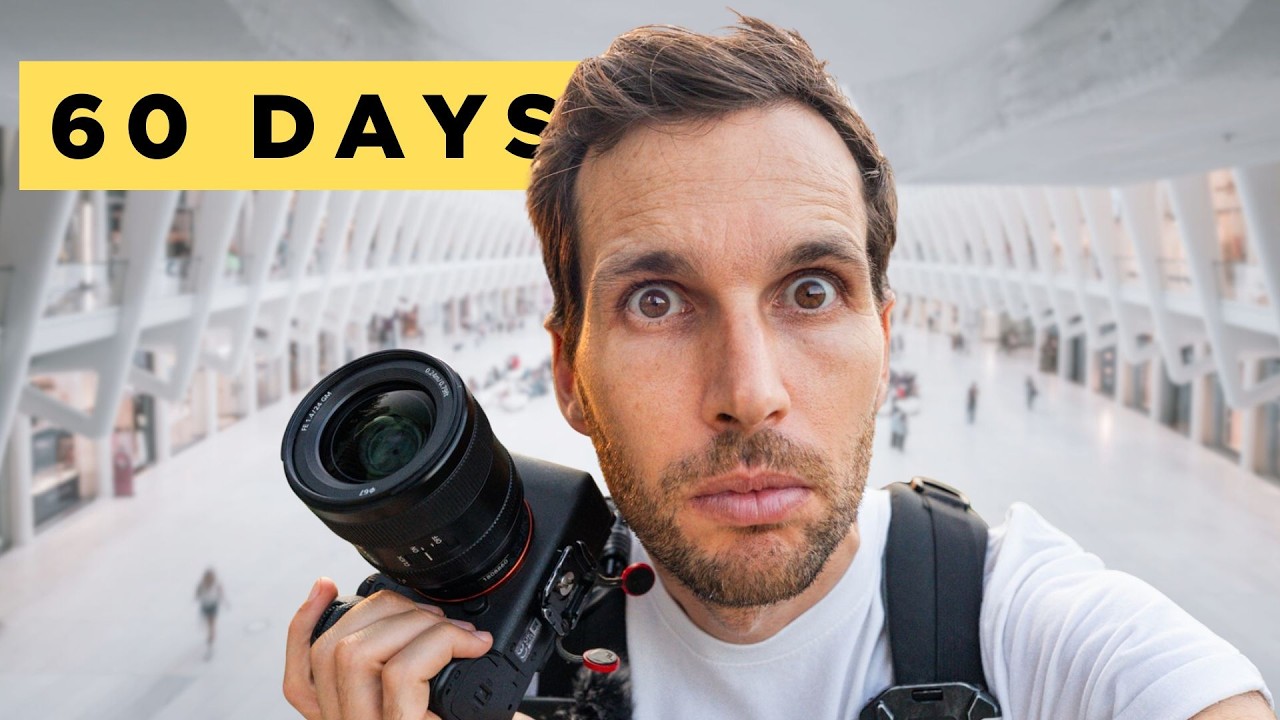
Here’s a problem I know too well: I spend more time researching gear than actually using it. I’ve got a spreadsheet with 47 budget lenses, I’ve tested five tripods under $50, and I check deal aggregators before my coffee is done brewing. But ask me how many intentional shooting sessions I logged last month? Maybe two. The gear isn’t the bottleneck. The structure is. That’s what made me stop and actually pay attention when I came across this Pierre T. Lambert tutorial, where he lays out a 60-day photography challenge built around a personalized AI coaching tool he developed called Pierre AI.
Watch the full tutorial on YouTube
What caught me isn’t the AI angle specifically. It’s the underlying argument Pierre makes: watching tutorials and buying gear doesn’t make you a better photographer. Getting out and shooting regularly does. That sounds obvious until you realize most of us, myself absolutely included, have been doing the former and calling it preparation. This challenge is designed to end that cycle, and the structure he’s built around it is worth breaking down step by step.
Step 1: Understand Why the Challenge Is Timed This Way
 Pierre explaining holiday season timing for the challenge
Pierre frames the timing deliberately. If you start before November 1st, you finish right as the new year hits. That’s not arbitrary. The holiday stretch, family gatherings, city lights, seasonal travel, is actually one of the richest periods for available subject matter. Most photographers treat it as a reason to put the camera away. Pierre is flipping that logic and using the natural chaos of the season as built-in shooting material. The deadline also matters psychologically. Sixty days with a fixed end point is a commitment you can visualize. “I’ll start shooting more someday” has no end point. This does.
Step 2: Answer the AI Interview Honestly
 Pierre AI interface asking about gear and photography goals
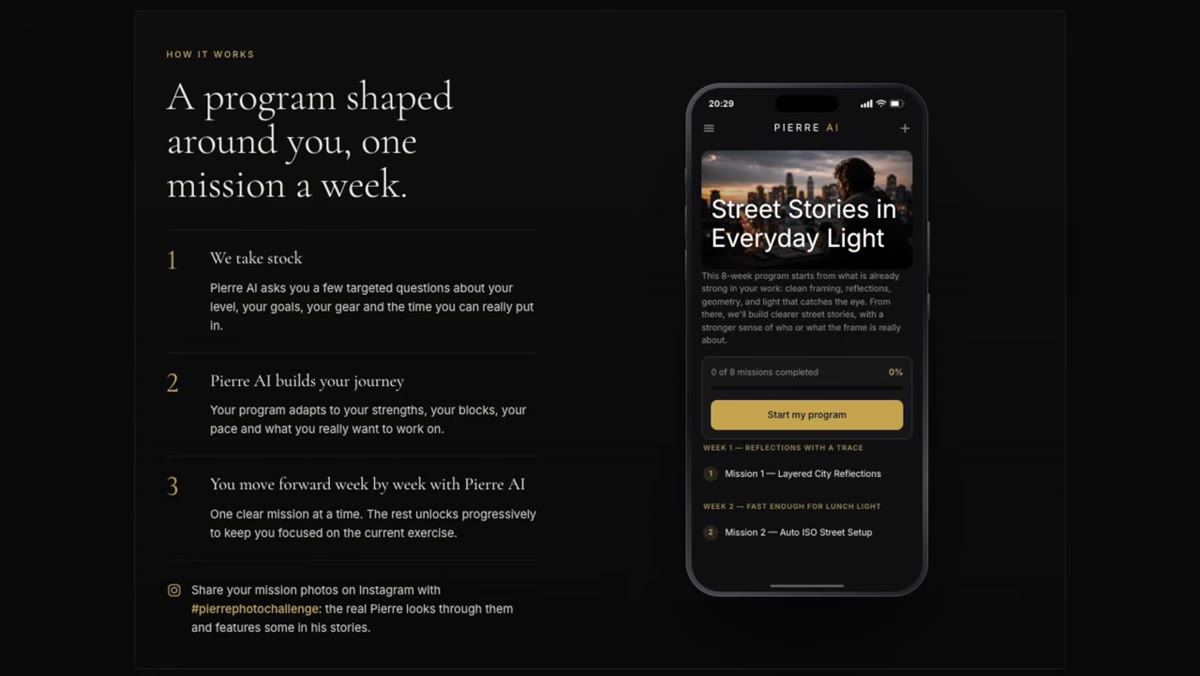
The whole system lives or dies on what you put into the intake process. Pierre AI opens with a conversational interview: what camera you shoot, what subjects interest you, how much time you realistically have each week. And Pierre is explicit that realistic is the key word here. If you’ve got 20 minutes on weeknights and free weekends, say that. If you shoot Fujifilm and care about street portraits, say that. The program it builds for someone in that situation looks completely different from what it builds for a Sony shooter who only goes out on Sundays and wants to work on landscapes. The personalization only works if you’re honest about your constraints instead of describing the photographer you wish you were.
Step 3: Review Your Generated Program Before You Commit
 Screen showing the custom program output after the AI interview
After the interview, Pierre AI surfaces a suggested weekly structure before you’re asked to do anything financially. You can see the shape of your program, what kinds of missions it’s proposing, how the pacing looks, before you decide whether to start the free trial. That’s the right order of operations. Too many apps bury the actual product behind a paywall before you know whether it fits your life. Take real time here to look at whether the mission structure matches how you actually work. One mission per week, sized to your schedule, is the rhythm Pierre is building around.
Step 4: Start the Free Trial and Launch Your First Mission
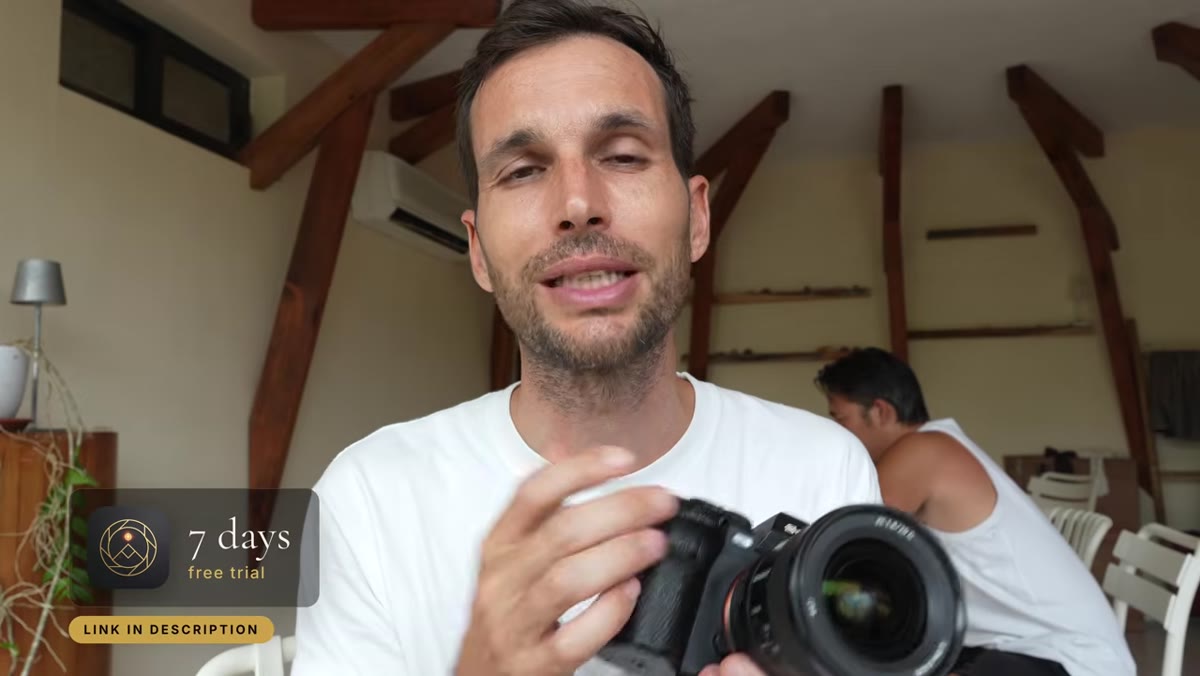 Pierre describing the 7-day free trial launch process
The first seven days are free. That window is your proof of concept. Pierre AI assigns a mission, and your job is to go shoot it. This isn’t a vague “go practice photography” instruction. The mission is scoped to your gear, your genre, and your available time. Even 15 minutes counts, which I’ll be honest, I initially read as marketing language. But if the mission is specifically designed for 15 minutes, then 15 minutes is enough to execute it and get feedback. The design philosophy here is removing every excuse not to pick up the camera.
Step 5: Shoot and Show Your Photos to the AI for Feedback
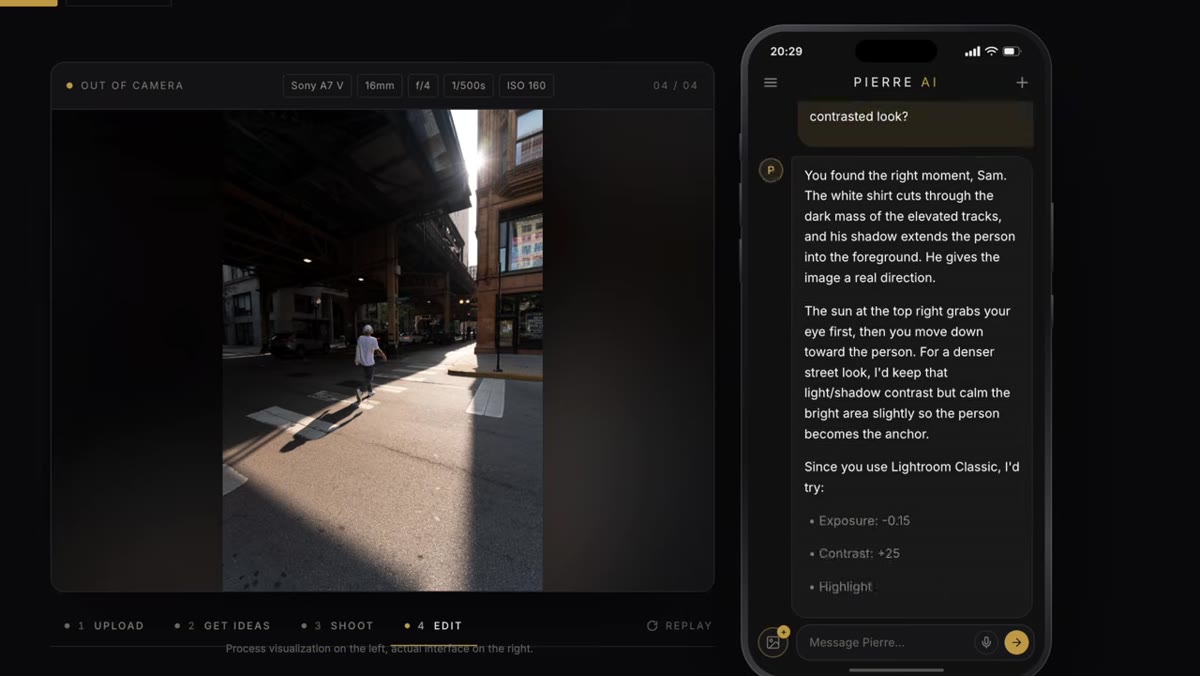 Pierre demonstrating photo review and settings feedback in Pierre AI
This is where the tool earns its keep. After you shoot, you bring your photos back to Pierre AI and it works through them with you: settings critique, editing direction, what to adjust next time. It knows the specific camera you told it you’re using, which matters more than people realize. Generic advice like “lower your ISO” means something different depending on your sensor. Camera-specific guidance on where your particular body starts to show noise, or how to dial in exposure compensation on your specific Fuji film simulation, is the kind of feedback that used to require finding a mentor who shot your exact gear. The app also lives on your phone, available on both iOS and Android, so you can pull it up mid-shoot when you’re second-guessing a setting in the field.
Step 6: Share Your Work and Stay Accountable
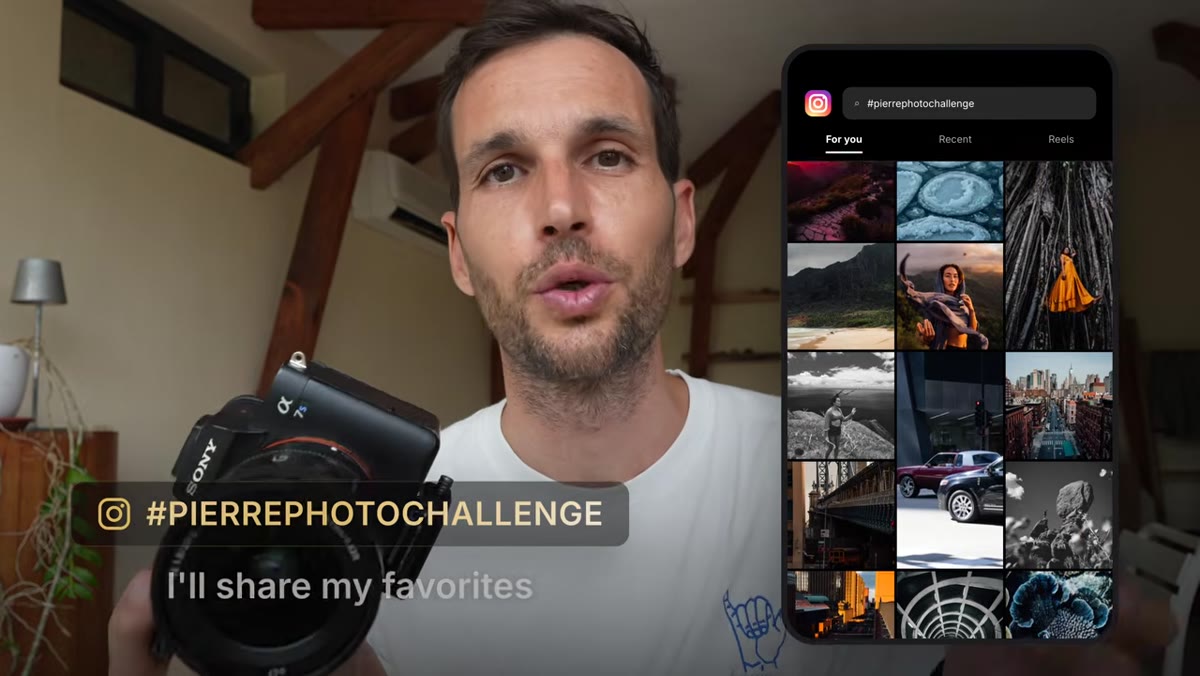 Pierre explaining the hashtag and Instagram photo sharing component
Pierre is personally monitoring the hashtag #pierrephotochallenge on Instagram and sharing standout work in his stories. That’s not a throwaway line. For photographers who’ve been shooting in isolation, knowing that someone with a substantial audience is actually looking is a low-stakes but real form of accountability. You’re not submitting for a grade. You’re just making your work visible, which is a different kind of pressure than keeping everything in Lightroom forever. Post consistently, tag correctly, and you’ve got a feedback loop that extends beyond the app itself.
The Budget-Shooter Take: What This Is Actually Worth
I’ve been burned by subscription apps before, so I did the math. After the free trial, Pierre AI runs $19 a month. For someone who shoots once a week, that’s under $5 per session of structured mentorship and AI feedback. I’ve spent more than that on lens filters I used twice. The comparison Pierre draws to expensive gear sitting in a drawer is pointed specifically at people like me. I started photography with a $300 kit and shot a wedding that ended up in a local magazine. The gear wasn’t the difference. The practice was. If this app gets someone to pick up the camera they’ve been ignoring, the $19 is a rounding error compared to what they already spent on the camera itself. My one honest caveat: the AI feedback is only as useful as the specificity of your questions and how thoroughly you completed the intake interview. Treat it like a real coaching session, not a vending machine.
The single most useful idea in this tutorial is also the most uncomfortable one: consuming content about photography, including gear reviews, yes, including mine, is not the same as improving at photography. The challenge Pierre has built is a direct answer to that problem. It’s structured, it’s personalized, it’s time-bound, and it starts free.
Watch the full tutorial on YouTube and then, more importantly, actually join the challenge at go.pierretlambert.com/challenge.
Comments (2)
Never thought of approaching it this way. Really creative.
Simple but effective. Sometimes that's all you need.
Leave a Comment